Ninite: Install All Your Windows Apps in One Click
Fresh Windows install? Skip the hour of clicking Next… Next… Next. Ninite installs all your apps with one file, with no junk, and it's free.
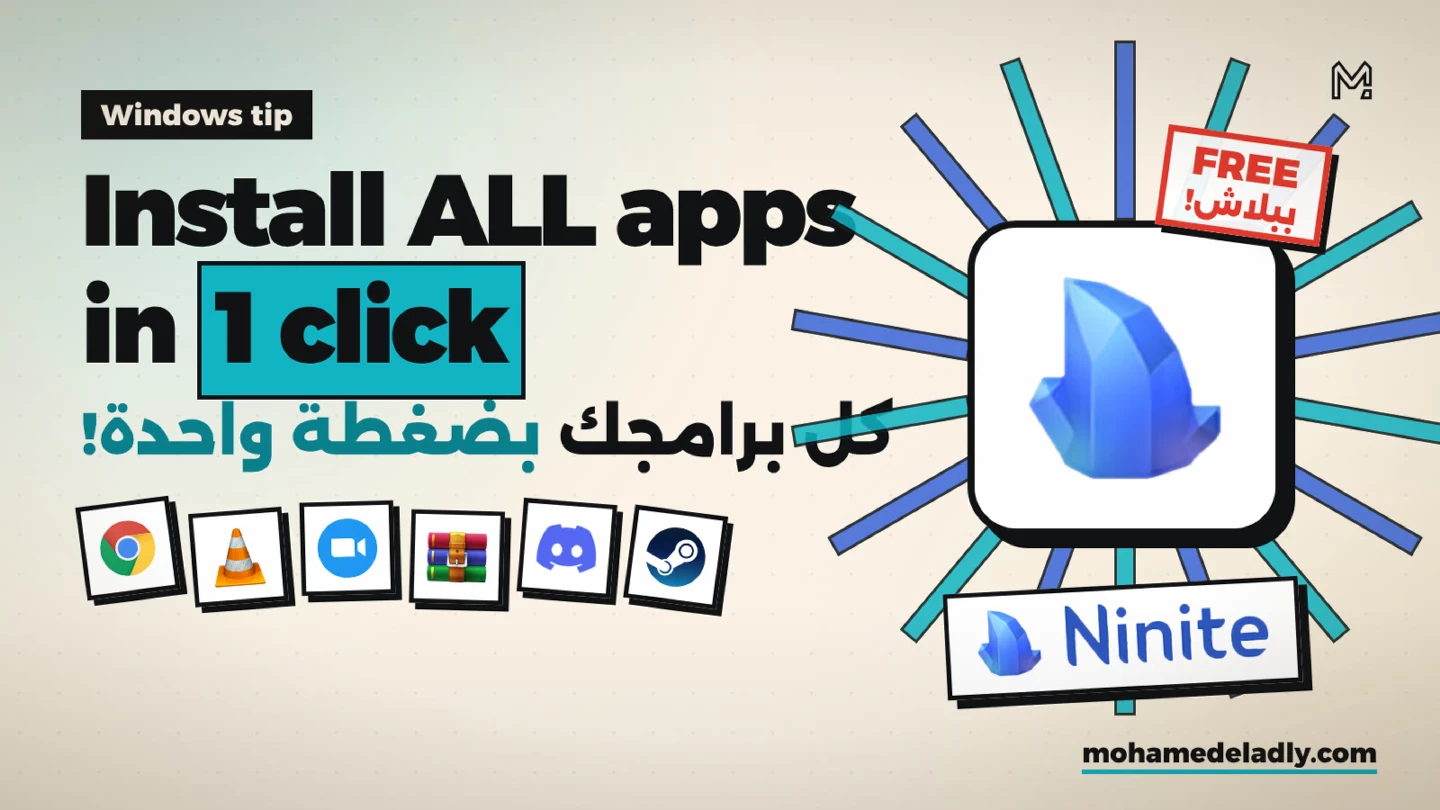
If you've just installed Windows, you know the drill. Download Chrome, then VLC, then WinRAR, then Zoom… clicking Next… Next… Next for every single one. And sometimes an installer sneaks in a toolbar or changes your homepage without you noticing.
What is Ninite?
Ninite lets you pick all the apps you need at once. It gives you a single installer that sets up everything on its own, with no clicking required.
How to use it
1. Go to ninite.com
2. Tick the apps you want: Chrome, Firefox, VLC, Zoom, Discord, WinRAR, 7-Zip, Steam, Spotify, VS Code and many more.
3. Click Get Your Ninite
4. Run the downloaded file and walk away.
Why it beats installing manually
No Next: installation runs from start to finish by itself.
Always latest: every app comes in its newest version from its official source.
No junk: Ninite says no to toolbars and bundled offers.
Skips what you have: apps that are already installed and up to date are left alone.
Updates with the same file: run the same installer again later and it updates all your apps.
Free: completely free for personal use.
Good to know
Ninite works on Windows only. The free version is for home use; businesses can use the paid Ninite Pro.
Bottom line
Pick your apps on Ninite once and keep the installer. Next time you set up Windows, run it and all your apps will be ready in minutes.
Ninite
Install all your Windows apps with one file. No Next clicks, no junk, free.